
Add up what a small business actually pays for software in a normal month. Thirteen dollars for Canva Pro. Sixteen dollars for an invoicing app. A few more for a QR code generator that charges you just to remove its own watermark. None of these tools are complicated. Most of them do one specific job, and most of them are things you use for five minutes at a time. You are not paying for the tool. You are paying rent on a feature you barely touch.
Why Small Businesses Are Drowning in Software Subscriptions
Most small business software follows the same pattern. A simple task, invoicing, designing a business card, checking a tax estimate, gets wrapped in a monthly subscription because that is a more reliable business model for the software company than a one time fee. That is a reasonable choice for them. It is not always a good deal for you, especially when the actual task takes ten minutes a month.
The tools below are not stripped down demo versions. Each one does a real, specific job that a freelancer or small business owner needs regularly, and none of them require a subscription, a card on file, or an account just to try them.
What Actually Costs Money vs. What You Can Get Free
| Task | Common Paid Option | Typical Monthly Cost |
|---|---|---|
| Invoicing | QuickBooks, Wave Pro, FreshBooks | $15 to $35 |
| Letterhead and branding design | Canva Pro, Adobe Express Premium | $10 to $13 |
| Business card design | Vistaprint design tools, Canva Pro | $10 to $13, plus printing fees |
| QR code generation | Paid QR platforms with tracking | $5 to $30 |
| Tax estimation | Accountant consultation or paid tax software | $50 to $200+ per session |
Table: what small business owners typically pay for tasks that free browser based tools can also handle.
None of this means paid software is a bad choice once your business grows into needing recurring billing, team accounts, or deep tax filing support. It means most small businesses are paying for far more than they actually use in the early stages.
Tool 1. Online Invoice Generator
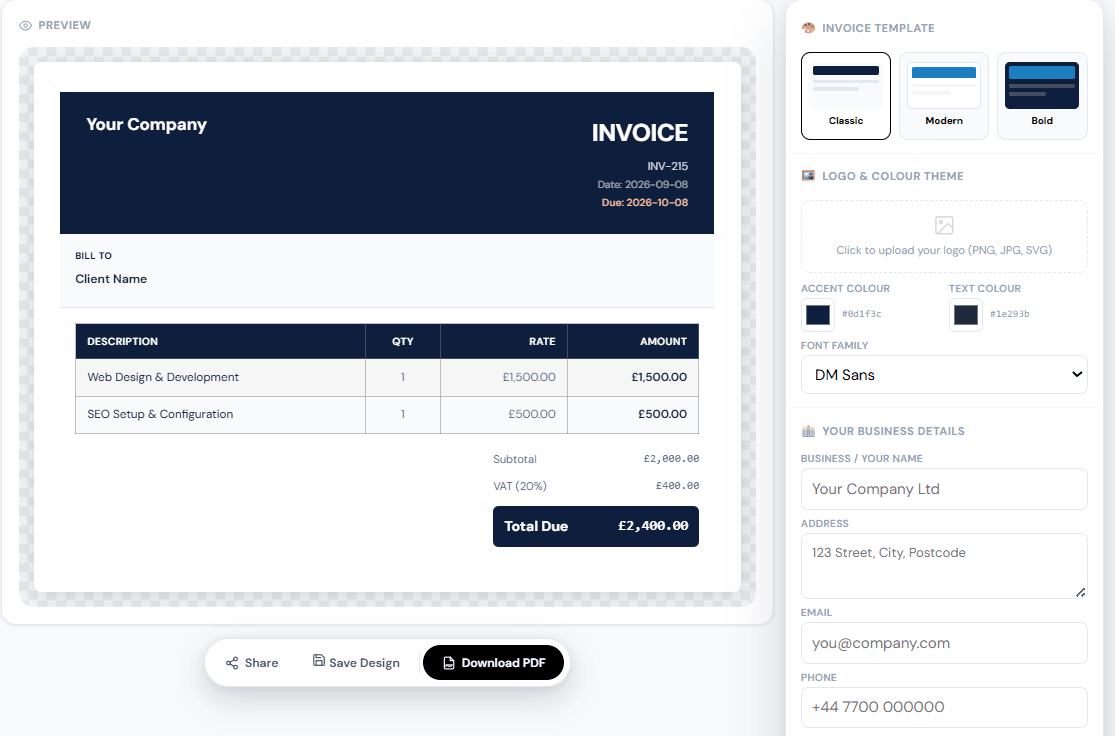
Every business that sends a bill needs a proper invoice, not just a total scribbled in an email. Our free Online Invoice Generator builds a complete, professional invoice with automatic tax calculation, sequential invoice numbering, and support for more than 24 currencies.
| Feature | What It Does |
|---|---|
| GST and VAT support | Enter any tax rate and label it correctly for your region |
| Multiple templates | Classic, Modern, or Bold layout, with logo and colour branding |
| PDF export | Download a clean, print ready invoice with no watermark |
Table: core features of the free online invoice generator.
Tool 2. Letterhead Generator
A letterhead is a small detail that signals a lot. A quote, contract, or formal letter on plain white paper reads differently than the same document on a branded letterhead with your logo and contact details already in place. Our free Letterhead Generator lets you design one with your own logo and branding in a few minutes, without opening a design program.

Tool 3. Business Card Generator
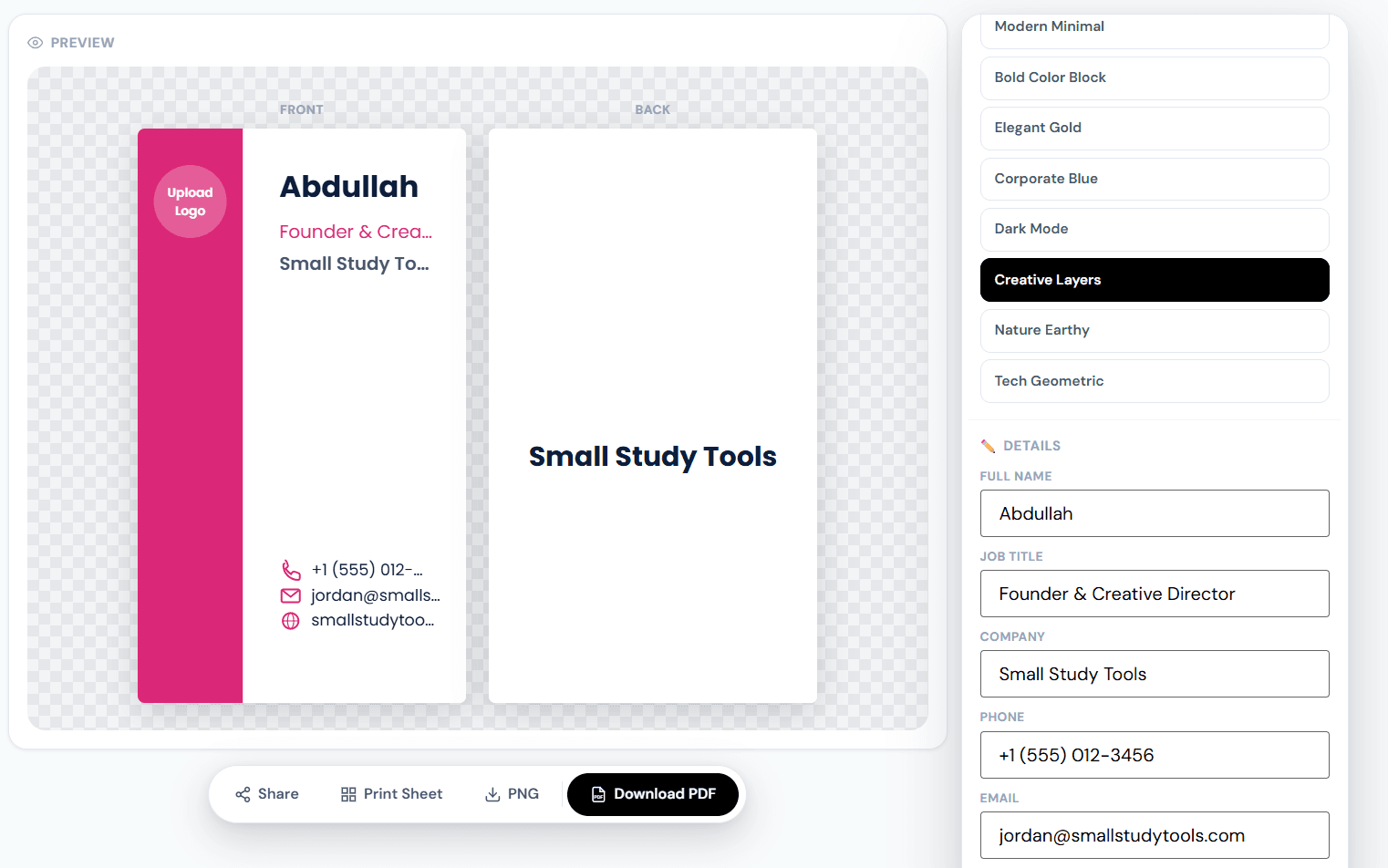
Digital contact sharing has not fully replaced the physical business card, especially at in person meetings, trade shows, and local networking events. The free Business Card Generator lets you design and export a print ready card, so you are not paying a design fee on top of the printing cost itself.
Tool 4. QR Code Generator
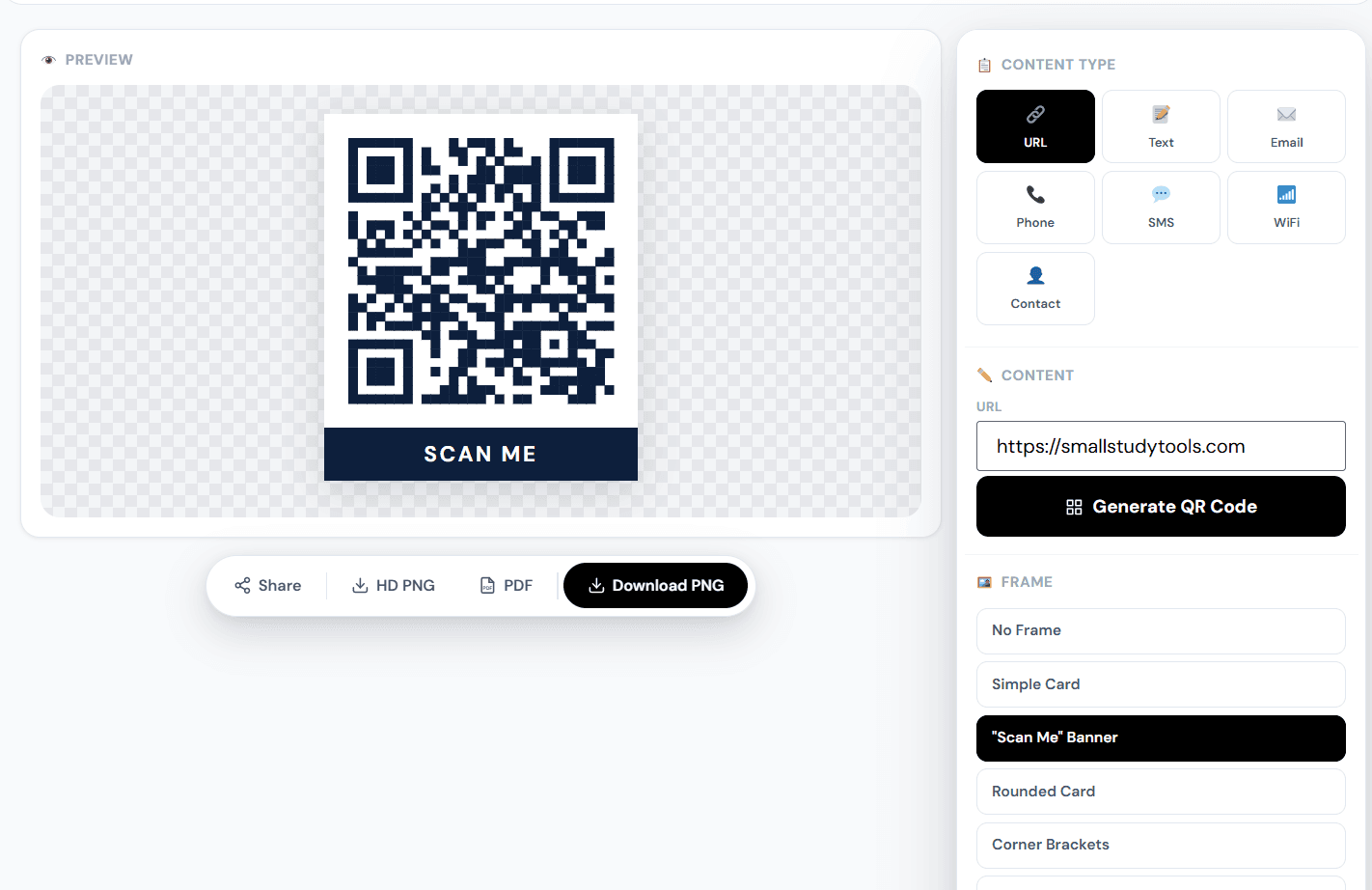
A QR code is one of the fastest ways to move someone from a printed card or menu to a live link, a WiFi network, or your saved contact details. Our free QR Code Generator creates codes for links, WiFi access, or a contact card, in HD, with full customisation and no watermark, which is exactly the feature most paid QR tools charge extra for.
Tool 5. Freelance Tax Calculator
If you are self employed, taxes work differently than they do for a salaried employee. Nobody withholds anything from your income automatically, and self employment tax alone sits at a fixed 15.3 percent, covering Social Security and Medicare, according to IRS guidance on self employment tax. On top of that, you still owe regular federal income tax based on your bracket.
| Tax Component | Rate | Covers |
|---|---|---|
| Self employment tax | 15.3% | Social Security (12.4%) and Medicare (2.9%) |
| Federal income tax | Varies by bracket | Calculated on top of self employment tax |
Table: the two main tax components a freelancer or self employed worker needs to account for.
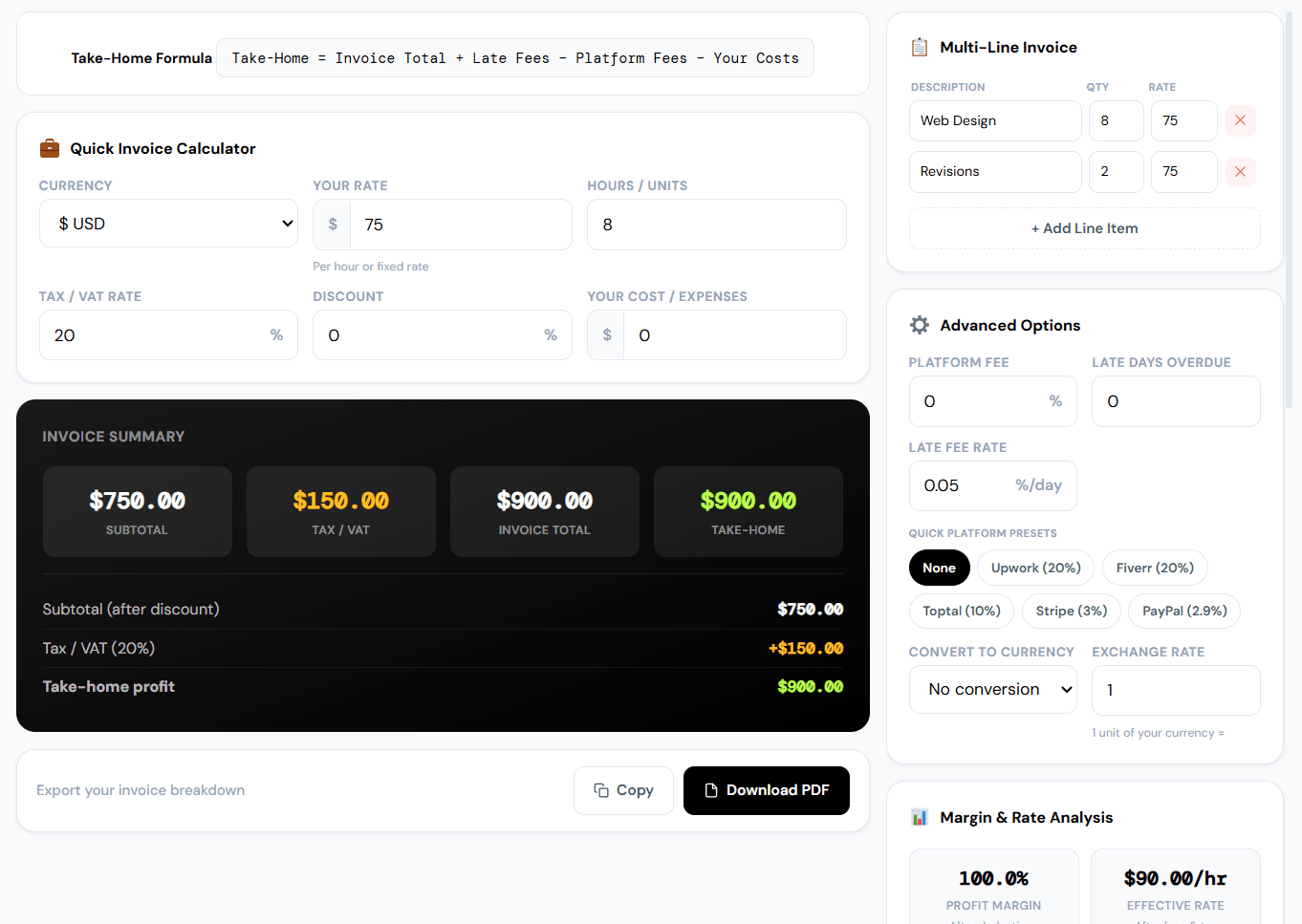
The Freelance Tax Calculator gives you a quick estimate of what you likely owe, so you are not caught off guard when a tax deadline arrives. It is an estimate, not tax advice, and it is worth confirming any specific number with a real accountant once your income is significant.
Tool 6. Channel Margin Calculator
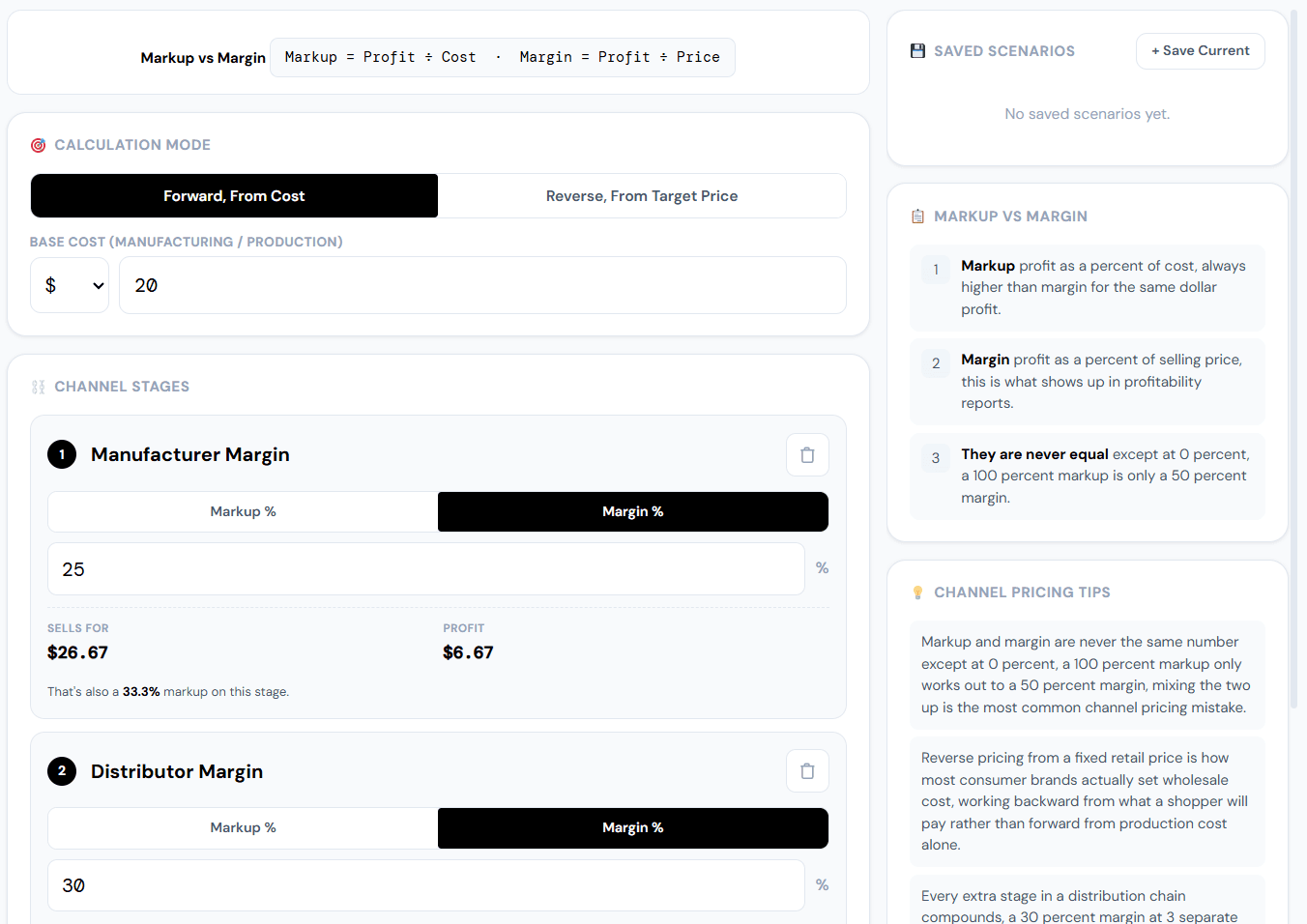
If you sell through more than one channel, direct to customer, through a retailer, or through a distributor, your actual margin looks different at every single stage. A price that looks profitable at the manufacturer level can look very different once a retailer’s markup is added on top.
| Stage | Example Price | Typical Markup |
|---|---|---|
| Manufacturer cost | $10 | Base cost |
| Wholesale price to retailer | $18 | Roughly 80% markup |
| Retail price to customer | $36 | Roughly 100% markup on wholesale |
Table: an example showing how price and markup stack up differently at each stage of a distribution chain.
The Channel Margin Calculator lays this out clearly, so you can see your actual margin at each stage instead of guessing, or worse, pricing your product too low to actually be profitable once a retailer’s cut is factored in.
Tool 7. Depreciation Formula Calculator
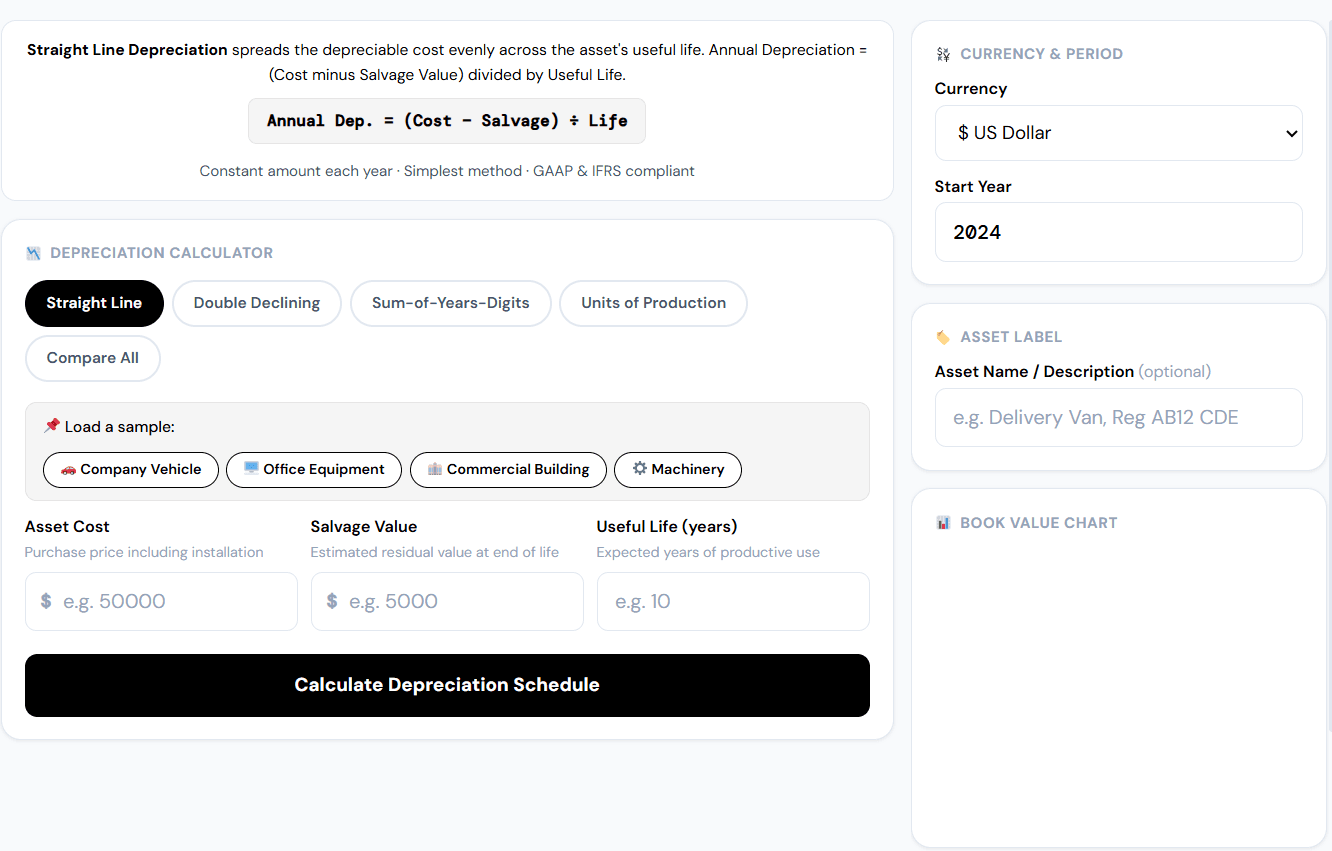
If your business owns equipment, a laptop, a vehicle, machinery, that asset loses value every year, and for accounting and tax purposes, that loss needs to be tracked properly rather than guessed at. Straight line depreciation is the simplest and most commonly used method, spreading the asset’s cost evenly across its useful life.
| Year | Asset Value (starting at $5,000, 5 year life) |
|---|---|
| Year 1 | $4,000 |
| Year 2 | $3,000 |
| Year 3 | $2,000 |
| Year 4 | $1,000 |
| Year 5 | $0 |
Table: a simple example of straight line depreciation on a $5,000 asset over a 5 year useful life.
The Depreciation Formula Calculator does this math for you instantly, which matters more than it sounds like it should, since depreciation numbers show up directly in your tax filings and financial statements.
Which Tools You Actually Need, By Business Type
| Business Type | Most Useful Tools |
|---|---|
| Freelancer or solo consultant | Invoice Generator, Freelance Tax Calculator, Business Card Generator |
| Small service business | Invoice Generator, Letterhead Generator, QR Code Generator |
| Product based business with retailers | Channel Margin Calculator, Depreciation Formula Calculator, Invoice Generator |
| New business setting up its brand | Letterhead Generator, Business Card Generator, QR Code Generator |
Table: which of the seven tools tend to matter most depending on your specific business type.
Common Mistakes Small Businesses Make With Free Tools
| Mistake | Fix |
|---|---|
| Assuming free tools always look unprofessional | Check the actual export quality before assuming, many free tools export clean, watermark free PDFs |
| Guessing at margins instead of calculating them | Run the numbers through a margin calculator before setting a wholesale or retail price |
| Ignoring self employment tax until deadline week | Check a rough estimate early, and set money aside quarterly, not all at once |
| Reusing the same invoice template with no branding | Add a logo and consistent colours, it takes minutes and looks noticeably more professional |
Table: common mistakes small business owners make, and the direct fix for each.
Free vs. Paid Software: Real Cost Comparison Over a Year
| Approach | Approximate Yearly Cost |
|---|---|
| Paid invoicing, design, and QR tools combined | $300 to $500+ |
| Free browser based tools for the same tasks | $0 |
Table: a rough estimate of what a small business could save in a year by using free tools for these specific, low complexity tasks.
Advanced Tips for Getting the Most Out of Free Tools
- Keep your branding consistent across every tool. Use the same logo and colours in your invoice, letterhead, and business card, so everything looks like it came from one business, not three different templates.
- Recalculate your margins whenever a supplier cost changes. A small change in manufacturing cost can shift your actual margin more than people expect once it moves through a retailer’s markup.
- Set aside tax money as you earn it, not at deadline time. Even a rough freelance tax estimate, checked monthly, beats a surprise bill in April.
- Track depreciation yearly, not just at tax time. Knowing your equipment’s current value helps with decisions about when to repair versus replace it.
Frequently Asked Questions
Are free business tools actually good enough for a real business?
For specific, well defined tasks like invoicing, branding design, and basic tax or margin estimates, yes. Paid software earns its cost once you need recurring billing, multi user accounts, or advanced accounting features that a small business does not need in its early stages.
Do I need to sign up or pay to use these tools?
No. Each of the seven tools covered here works without an account, without a card on file, and without a subscription.
What is self employment tax and how much is it?
Self employment tax is 15.3 percent, covering Social Security and Medicare, according to the IRS. It is separate from and in addition to regular federal income tax.
What does a channel margin calculator actually show me?
It shows your markup and margin at each stage of a distribution chain, from manufacturer cost to wholesale price to final retail price, so you can see whether your pricing is actually profitable once a retailer’s cut is included.
Why does depreciation matter for a small business?
Depreciation reflects how much value your equipment loses over time, and it directly affects your tax filings and financial statements. Straight line depreciation is the simplest method, spreading an asset’s cost evenly across its useful life.
Conclusion: Key Takeaways
- Most small business software subscriptions charge monthly for tasks that only take a few minutes at a time.
- Seven free tools, invoicing, letterhead design, business cards, QR codes, tax estimates, margin calculations, and depreciation, can realistically replace $300 or more a year in paid subscriptions for a small business in its early stages.
- None of these tools require a signup, a card on file, or a subscription to use.
- Paid software still has its place once a business grows into needing recurring billing or advanced accounting, but most small businesses are paying for far more than they currently use.
- Start with the Invoice Generator and Freelance Tax Calculator if you are only going to try two of these, since invoicing and taxes affect nearly every small business regardless of type.
Also Try These Productivity Tools
- Free To-Do List Online: Minimalist Visual Task Manager
- Study Break Calculator
- Timetable Generator – Free Online Tool to Build Your Schedule
- Cornell Notes Template – Free Online Maker (Fill In or Print)
- Deadline Countdown Timer – Free Tool for Any Task
Read Also:
- 5 Free AI Certification Courses Worth Your Time in 2026 (Plus How to Show It Off)
- Free CV & Resume Review Online: Get Your Instant Score Out of 100 (No Signup)
- What Is SWOT Analysis? Free Online SWOT Analysis Tool & Template
- How to Write a Personal SWOT Analysis for Students (With Practical Examples and Free Tool)
- How to Make an Online Invoice for Free: Step-by-Step Guide (No Software Needed)